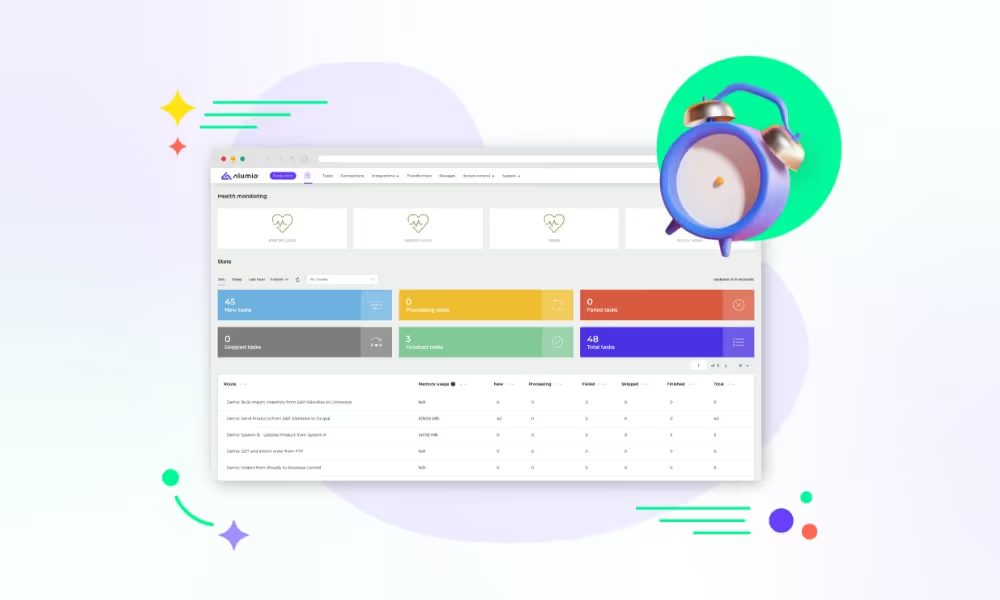
Introducing the Alumio Route Builder
Now connect, orchestrate, and govern integrations at scale from one visual interface

Microsoft Power BI can show a Coupa saving and a settled invoice side by side, which is usually the only way anybody discovers that the two numbers were never measuring the same thing at all.



























Procurement reports a saving and finance reports a spend, and the two never agree because they are not describing the same event. A saving is recorded when a buyer takes a negotiated price instead of the one they would otherwise have paid. A spend is recorded when an invoice is settled, months later, possibly for a different quantity. Both numbers are honest and a board asked to choose between them cannot. Connecting Coupa and Microsoft Power BI puts both on the same page with what each one counts stated, so the question becomes which figure answers this, rather than which system is wrong.
DATA THAT FLOWS BETWEEN THEM
Requisitions
Purchase orders
Invoices
Suppliers
Contracts
Savings


A Microsoft Power BI report can carry the Coupa saving and the invoiced amount together, each labelled with what it counts, so nobody has to defend a figure they cannot reconcile.
What has been ordered and not yet invoiced stops being invisible between the two systems, which is usually the part of the year-end position that surprises somebody.
By the time a quarterly pack is due the Coupa figures are already in Microsoft Power BI, because Alumio reads them through the interface Coupa makes available on your cycle.
A saving reported next to what was eventually paid is a figure somebody can examine, rather than a number that arrives once a quarter and is accepted because nobody can check it.
When the quarterly review comes round, the Coupa position is already in Microsoft Power BI rather than being exported and reshaped by one person, so the analyst spends the week on the analysis instead of on the assembly of it.
When finance asks what a category actually cost, the report can show what was committed in Coupa and what was settled in the ledger, so the gap between them is a number rather than an argument between two teams.
When one supplier is under review, their orders, invoices and negotiated prices are in the same Microsoft Power BI report, so the conversation starts from a complete picture rather than from whichever extract was handiest.
Alumio sits between sales channels and fulfillment systems as a governed integration backbone. Orders are routed, transformed, and validated, while status updates return to every channel.

Authenticate your systems using Alumio's pre-built connectors. Choose from 200+ connector packages in the marketplace, plus unlimited custom integrations.

Define how data fields map between systems in a visual interface. Adjust formats, enrich records, and apply business logic, no custom code required.

Configure flows to run in real time on events, on a schedule, or both. Reduce manual data entry and let Alumio handle movement and transformation between systems.
.svg)
Once your first integration is live, adding your ERP, PIM, WMS, or CRM connects to the same hub. Existing flows keep running. No rebuilding from scratch.

By the time somebody questions a saving, the argument is usually about what was agreed rather than what was bought, and that lives in a contract repository nobody has connected. Alumio holds that connection alongside this one, so the agreed price, the order and the invoice reach the same report and the question can be settled rather than debated.
Yes, and committed and invoiced amounts are worth carrying as separate things rather than as one total. Alumio reads requisitions, orders and invoices from Coupa through the interface it makes available and delivers them for Microsoft Power BI on the schedule you set, with the fields you nominate and no others.
No, and the thing worth having is not the absence of code. It is that the person who owns the report can see where each figure came from and change it without going back to whoever built the feed, which matters on the day a definition is questioned in a board meeting. Where a category has to be derived rather than read straight out of Coupa, the Code Transformer takes that step.
Whichever of three things you tell it to mean, which is why the definition belongs in the report rather than in somebody's head. Requisitioned, ordered and invoiced are different amounts at any moment, and a saving is measured against a baseline that is a judgement rather than a fact. Naming what each figure counts is most of the value, and the connection makes all three available to be named.
The one that damages trust is a saving reported against a baseline that moved, because the report looks fine and the conclusion is wrong. Alumio records the figure the comparison was made against and when it was read, so a number can be traced back. Each transfer is monitored live and logged with what it carried, a refusal alerts with the reason, retries run where configured, and nothing is lost silently.
Talk to an Alumio integration specialist. We'll map the right architecture for your systems, at the right scale, so your operations stay reliable through every change.












.svg)


