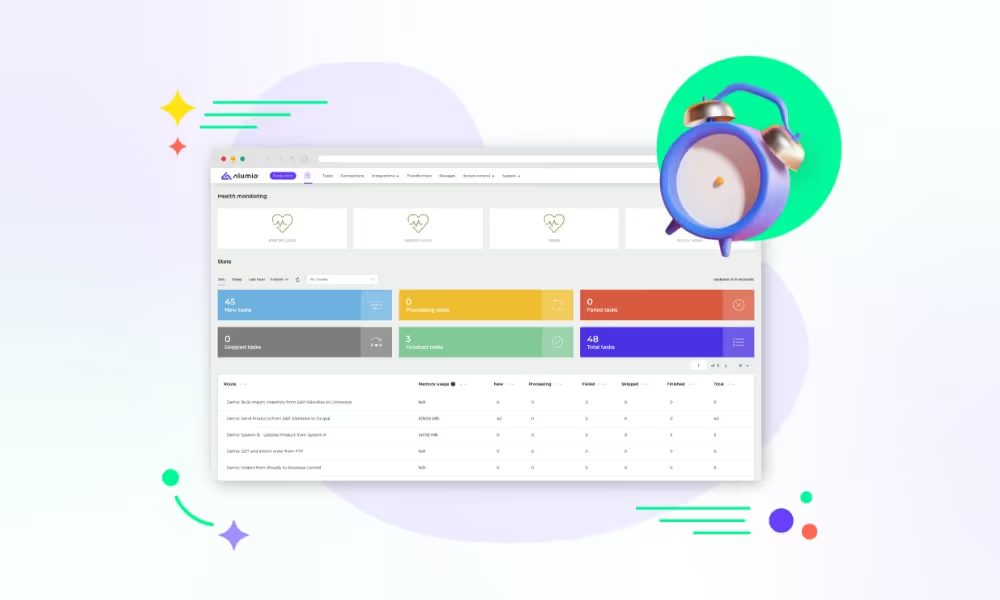
Introducing the Alumio Route Builder
Now connect, orchestrate, and govern integrations at scale from one visual interface

The file that arrives every night is a decision somebody made years ago and nobody has revisited since, and putting it into Sage X3 through Alumio is the point at which it becomes reviewable.



























Somewhere a file lands every night because somebody agreed to it years ago, and the agreement has outlived everyone who made it. A person checks it arrived, a job picks it up, and if the timing slips the day starts with a question rather than with work. Nobody has asked recently whether it still has to be a file, or whether the whole of it has to arrive every night when most of it did not change. Connecting JSON and Sage X3 turns that arrangement into one somebody can see and adjust, so the nightly file stops being a fact of life and becomes a decision again.
DATA THAT FLOWS BETWEEN THEM
Products
Prices
Stock
Orders
Customers
Journal entries


What arrived in the file reaches Sage X3 without somebody checking a folder first, so the morning does not begin with the question of whether last night's load actually ran.
Sending the whole of something every night made sense when it was the only option available, and most of what arrives has not changed since the last time it arrived.
When a file is late or partial, it is named rather than silently half-loaded, so the day is not spent working out which half of yesterday made it into the ledger.
What the file carries and what Sage X3 does with each part of it is written down where somebody can read it, rather than living inside a job nobody has opened since it was built.
When the file lands, Alumio reads it and creates or updates the Sage X3 entries that it describes, so the load simply happens without anybody confirming it arrived or rerunning it in the morning when it did not.
When the same file is delivered a second time, what it already created is recognised rather than duplicated, so an accidental rerun does not double the day's entries and leave somebody reversing them all by hand.
When a file is incomplete, the records it does describe are held together with what is missing named, so nothing is loaded halfway and the gap is one specific thing rather than a general suspicion about the day.
Alumio sits between sales channels and fulfillment systems as a governed integration backbone. Orders are routed, transformed, and validated, while status updates return to every channel.

Authenticate your systems using Alumio's pre-built connectors. Choose from 200+ connector packages in the marketplace, plus unlimited custom integrations.

Define how data fields map between systems in a visual interface. Adjust formats, enrich records, and apply business logic, no custom code required.

Configure flows to run in real time on events, on a schedule, or both. Reduce manual data entry and let Alumio handle movement and transformation between systems.
.svg)
Once your first integration is live, adding your ERP, PIM, WMS, or CRM connects to the same hub. Existing flows keep running. No rebuilding from scratch.

Once the file stops being the mechanism, the question becomes why the sending system still produces one. Often it can offer something better and nobody asked, because the file was working. Alumio holds connections to whatever that system actually publishes alongside this one, so the nightly file can be retired rather than automated more efficiently.
Yes, and the choice worth making is whether the whole file has to travel each time. Most nightly files are almost entirely unchanged from the night before, and loading all of it costs a window somebody is waiting on. Alumio can work through the whole file or only what differs from the last one, and what can be created is whatever Sage X3 exposes for it.
No, and the person who owns it afterwards changes. At the moment it is whoever wrote the job, and they are often no longer here or no longer close to it. Once the arrangement is configuration, the finance team can see what the file does to the ledger. Where a value in the file has to be worked out rather than read across, the Code Transformer does that.
At the point somebody decides what each part of it means, which is the step the original job made invisible. A file is a set of values until a rule says this becomes a customer, this becomes a line on a journal and this is ignored. Writing those rules down is what makes the arrangement reviewable, and it is usually the first time in years anybody has looked at what the file actually contains.
The costly one is the same file imported twice on one day, because the entries look like trade until somebody reconciles. Alumio names the file and what stopped the repeat, so a rerun is recognised rather than posted. Each load is monitored live and logged with what it carried, a refusal alerts with the reason, retries run where configured, and nothing is lost silently.
Talk to an Alumio integration specialist. We'll map the right architecture for your systems, at the right scale, so your operations stay reliable through every change.












.svg)


