Introducing the Alumio Route Builder
Now connect, orchestrate, and govern integrations at scale from one visual interface

Infor product, price and availability data drives the Shopify catalog and orders return as ERP documents, so an enterprise ERP can sit behind a storefront it was never really designed for.



























Infor was implemented for an industry, with units of measure, configurations and pricing logic reflecting how that industry actually trades. Shopify assumes a simple product sold in eaches at a published price. Bridging that by export means the storefront shows rounded quantities, ignores pack and case logic, and takes orders the ERP must correct before fulfilling them. A Shopify to Infor integration through Alumio translates rather than flattens: units and pricing are converted deliberately, availability reflects what Infor can commit, and orders arrive as documents.
DATA THAT FLOWS BETWEEN THEM
Item master
Units of measure
Price lists
Available quantities
Sales orders
Shipment status
Customer records


Infor pack, case and base units are converted for the storefront explicitly, so a Shopify order arrives in quantities the ERP can fulfil rather than ones it must correct first.
Quantities published to Shopify reflect what Infor can actually commit, so the storefront stops taking orders that fulfilment has to renegotiate with the customer afterwards.
Infor price lists reach Shopify as calculated values, so industry pricing rules apply online instead of being approximated by a single published figure per product.
Because translation happens in transit, web orders enter Infor as valid documents and stop generating the correction queue that manual imports reliably produce.
Alumio publishes Infor item data to Shopify with units and pricing translated for a retail context, so the storefront presents products in terms a buyer understands while the ERP keeps its own operational representation intact.
A Shopify checkout creates the Infor sales order with quantities converted to the ERP's base units and the customer matched, so picking begins from a valid document rather than from a line somebody rewrites by hand first.
Availability published to Shopify is derived from what Infor can commit rather than raw stock on hand, so a product allocated to a contract customer stops being sellable online before the same units are promised twice over.
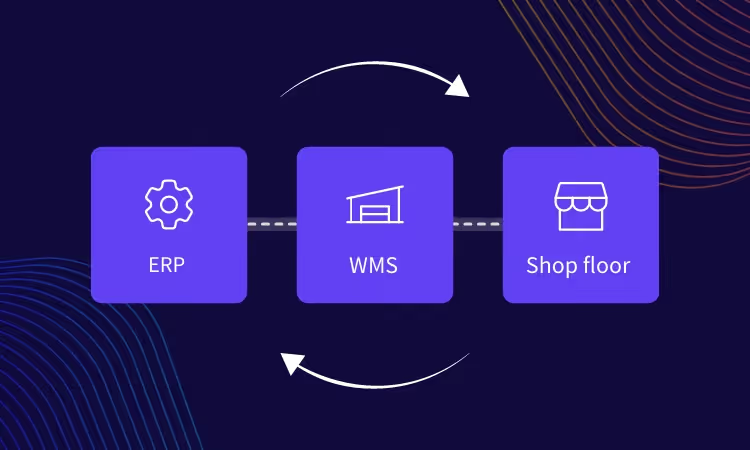
Alumio sits between sales channels and fulfillment systems as a governed integration backbone. Orders are routed, transformed, and validated, while status updates return to every channel.

Authenticate your systems using Alumio's pre-built connectors. Choose from 200+ connector packages in the marketplace, plus unlimited custom integrations.

Define how data fields map between systems in a visual interface. Adjust formats, enrich records, and apply business logic, no custom code required.

Configure flows to run in real time on events, on a schedule, or both. Reduce manual data entry and let Alumio handle movement and transformation between systems.
.svg)
Once your first integration is live, adding your ERP, PIM, WMS, or CRM connects to the same hub. Existing flows keep running. No rebuilding from scratch.

More can be connected, and a PIM is the frequent addition, because Infor holds commercial and operational data while retail-grade descriptions and imagery belong elsewhere. Alumio composes what Shopify receives from both, so the storefront gets marketing content without Infor being asked to store attributes it was never implemented to hold.
Yes. Alumio reads item, price and availability data from Infor and updates the Shopify catalog on change or on a schedule, converting units and resolving prices on the way through. Because Infor deployments differ by industry, the conversion rules are defined against your configuration rather than assumed, which is what prevents pack quantities reaching a storefront as eaches.
Mapping, unit conversion and order creation are configured in Alumio, which replaces the export and correction cycle this pairing usually runs on. Infor is deployed very differently across the industries it serves, so this is a clear case where configuration handles the described flows and the Code Transformer covers a conversion or configuration rule specific to your implementation.
Rarely, and the reason is allocation rather than update frequency. A nightly figure includes stock that Infor has since committed to contract or production orders, so the storefront sells units that are already promised. Deriving availability from what Infor can commit, refreshed on change, addresses the actual problem, which is that raw stock on hand was never the sellable number.
The storefront holds its last valid catalog and no order is lost. Alumio watches both connections in real time, logs every message with its payload, and alerts the team the moment Infor or Shopify rejects one, naming the item or document and the reason. Retries run automatically where configured, and unresolved messages stay queued rather than disappearing without a trace.
Talk to an Alumio integration specialist. We'll map the right architecture for your systems, at the right scale, so your operations stay reliable through every change.









.svg)


