


A Alumio vivid purple arrow pointing to the right, a visual representation of how to access more page material when clicking on it.
Go back

Why config-first integrations are smarter vs. low/no-code

By
Saad Merchant
Published on
September 16, 2025
Updated on
September 15, 2025
IN CONVERSATION WITH
A 2D email icon in anthracite and vivid purple
A white cross 2D icon

As businesses scale their digital operations and integrations, they often create a tangled web of fragile connections between various business systems and apps, such as ERP, CRM, data warehouse software, financial planning software, IoT, BI, AI tools, and more. What starts as simple point-to-point integrations to tether these endpoints together quickly becomes an unmanageable spaghetti of custom code or drag-and-drop workflows that lock you into maintenance nightmares. The more you scale, the more complex and brittle these connections become, until managing them consumes more resources than the business value they deliver. Smart businesses recognize this trap early and select a different path: implementing next-gen, cloud-native integration platforms that prevent technical debt from the start. But what type of integration approach should you select from the ones available—custom code, low-code, or no-code? There's a proven middle path that delivers the best of all three: the config-first integration platform that Alumio delivers.

Why config-first integration is smarter vs. low/no-code

When evaluating integration platforms to support your current and future business needs, you're likely weighing different approaches based on the following factors: should you prioritize ease of use, developer flexibility, or long-term scalability?

The three most common types of integration approaches—custom code, no‑code, and low-code—all address part of the equation but break down as follows in real‑world scenarios:

  1. Custom code integrations help you specifically tailor your application integrations from scratch. However, it comes with long development cycles, high maintenance overhead, and mounting technical debt as your business scales and connects more systems.

    Scenario: Your IT team custom codes a connector between the ERP and financial reporting system. It works until regulators change requirements or stakeholders require new formats.

    Reality check: You have full flexibility, but every tweak demands another sprint—and only the original developers know how to update it. There's no reusable pattern library or structured approach to speed up future integrations.

  2. No-code integration tools offer drag-and-drop simplicity that lets business users quickly connect apps with pre-built Connectors and automate basic data flows. But they often hit walls when you require advanced data transformation, enterprise governance, or the ability to reuse integration patterns across workflows.

    Scenario: Your operations manager uses a drag-and-drop tool to sync inventory data between systems. It works fine for simple field matching.

    Reality check: The moment you need more advanced rules, like converting currencies, validating business policies, or routing data differently by category, no-code tools hit their limits. Each new integration starts from scratch, and you can’t easily reuse what you’ve built.
  3. Low-code integration solutions add developer flexibility by allowing custom rules or scripts alongside visual flows. However, as your business requirements become more sophisticated, the scattered scripts and complex configurations can turn them back into unwieldy codebases that are difficult to maintain and audit.

    Scenario: A developer sets up data flows between CRM, billing, and support systems, adding custom tweaks for special cases.

    Reality check:
    At first, it feels powerful. But as more rules pile up, those tweaks scatter across dozens of flows. Soon only IT can manage them, and every small change becomes a maintenance headache. Instead of simplifying integrations, low-code often creates hidden complexity.


Each option focuses on one or two of the core integration needs we touched upon, i.e., ease of use, developer flexibility, or long‑term scalability, but almost none balance all three. That’s where a config‑first platform like Alumio comes in, designed to combine the best of the three approaches.

Bridging the integration gap with the config-first approach

As mentioned, a cloud-native, API-driven, and config-first integration platform like Alumio isn’t entirely different from the no-code and low-code integration approach; rather, it unifies the strengths of both solutions. It combines the visual simplicity and use of pre-built components of a no-code solution with the limitless data customizability of a low-code solution. Designed to work in a scalable way, a config-first integration platform ensures that integrations remain easy to create, transform, automate, and orchestrate, no matter how much they grow. Let’s find out how this works in practice!

What is the config-first approach?

Config‑first integration treats each connection between applications or data sources as a set of configurable, reusable, form-based building blocks. Rather than building integrations with custom code or dragging and dropping components together, you configure each integration using clear, form‑based steps by flexibly choosing how to:

  • Pick up data from a data source.
  • Transform it with filters, mappings, or business rules.
  • Schedule, trigger, or process in real-time each step of your integration.
  • Deliver data to the target application in a specific format, filter, and time.
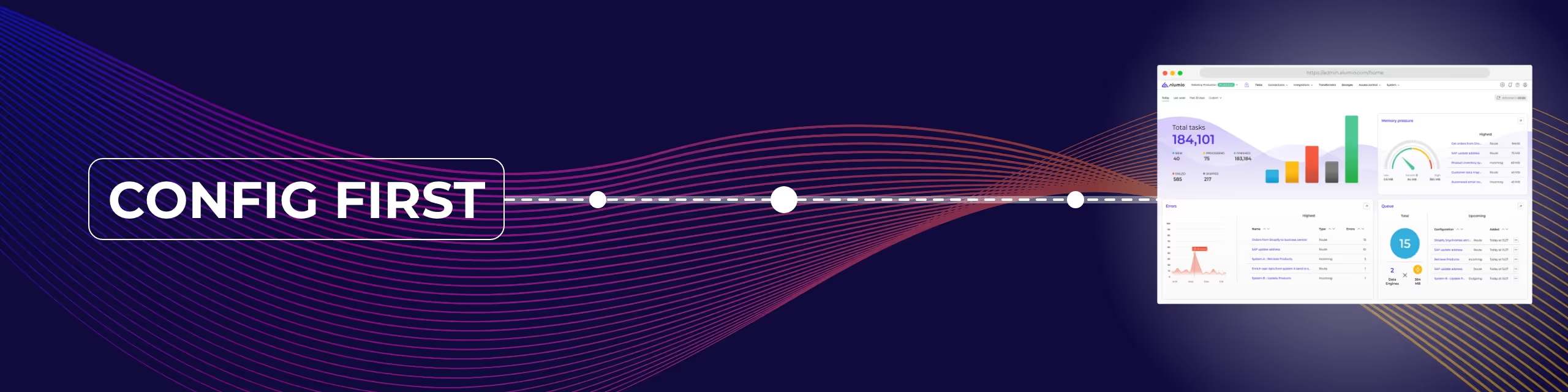
  • Monitor and log every execution automatically, with real‑time alerts for failures or performance issues.
  • Store frequently accessed data as a cache to avoid repeated external fetches or as a buffer to ensure seamless data synchronization across systems.

Once you’ve configured these steps, you can run the entire integration on a schedule or enable real‑time streams, manage every change with built‑in approvals and version tracking, and reuse the same “Data Route” whenever you face a similar task. The result is a user-friendly way for developers and business users to collaborate on building precise, reliable integrations that evolve alongside your organization, without the hassles of scattered scripts or rigid templates.

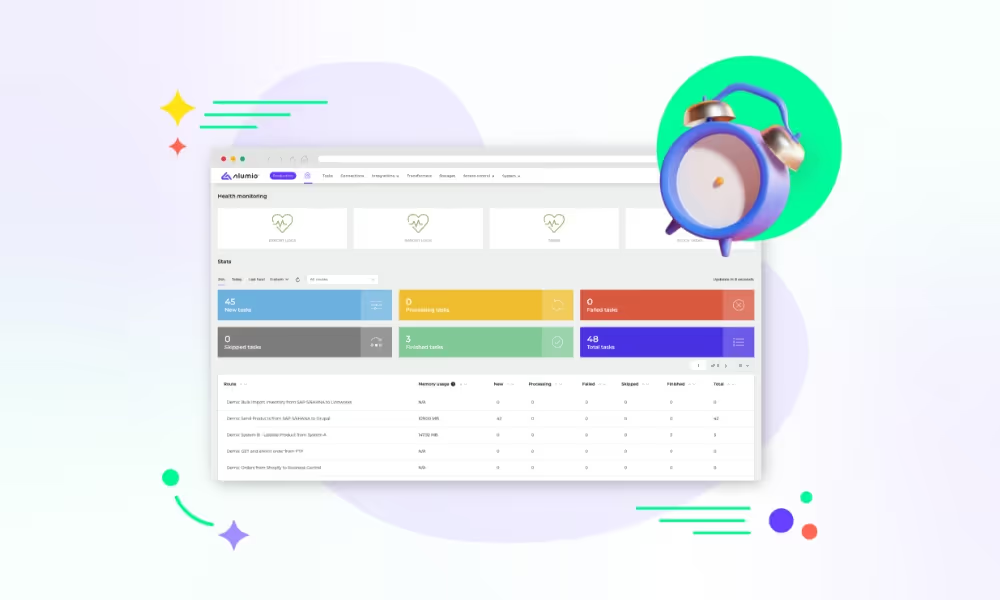
Think about building config‑first integrations like setting your phone’s alarm: open the Clock app, pick the time, choose a sound, and set repeat options—no need to code an alarm feature or draw a workflow diagram by dragging items together.

On a more advanced level, it works the same way for your data flows: you fill out clear forms to:

  • Choose your data source (pull new orders from Shopify).
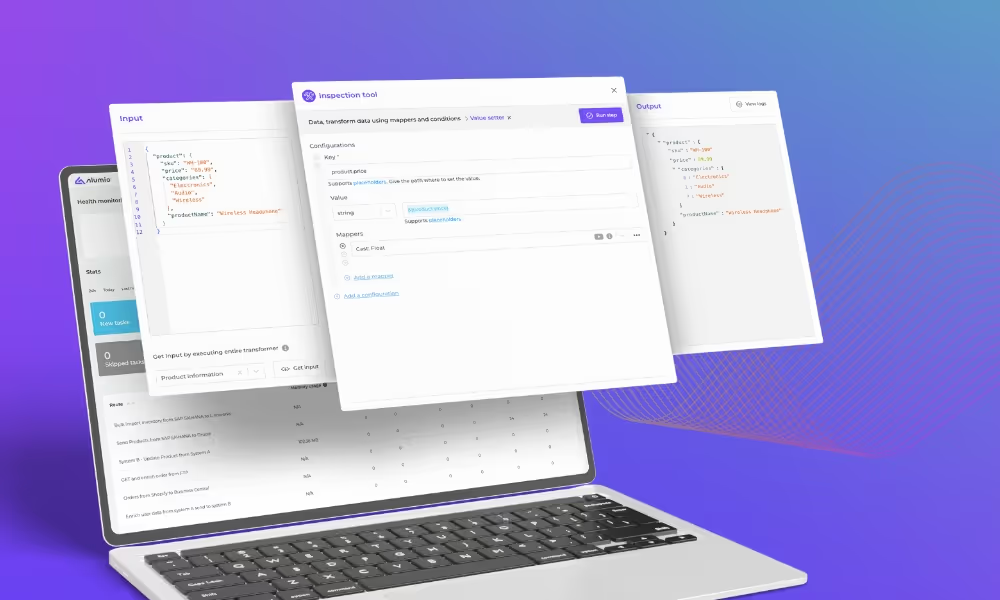
  • Map and transform fields (convert currency, strip test orders).
  • Schedule or trigger data exchange (real‑time or hourly batches).
  • Select your destination (“send to SAP’s order API”).

Turn AI ambition into action

Get a free demo of the Alumio platform

The benefits of a config-first integration platform

The Alumio config-first integration platform offers the ease of simply filling in reusable form-based building blocks for business users, without sacrificing developer capabilities to enable complex data transformations and integrations at scale. Unlike traditional methods, there are no scattered scripts or rigid templates. Instead, you build integrations using clear, form‑based steps that can be reused, governed, and adapted as your needs evolve.

Here’s how a config‑first integration platform like Alumio combines the best of low-code and no-code integration methods:

  • Ease of use and accessibility: Citizen developers and technically advanced users can build integrations faster through guided, form‑based configuration—removing coding. At the same time, business users get a clear, visual overview of integrations, along with simple tools for monitoring, managing errors, and orchestrating data flows.
  • Transformation flexibility: Built‑in mapping tools and conditional logic make it easy to adjust, filter, and clean data as it moves between systems.
  • Code only when you can’t config: When deeper customization is needed, Alumio’s Code Transformer lets developers write or generate JavaScript for advanced transformations.
  • Modularity & reuse: Standardized configuration blocks can be created once and reused across multiple integrations, helping teams move faster while maintaining consistency across the integration landscape.
  • Built‑in governance: Every integration comes with version control, approval workflows, and audit trails—so changes are tracked, reviewed, and always in compliance with internal and external requirements.
  • Cloud‑native reliability: Alumio’s scalable, API‑driven architecture supports dozens to hundreds of integrations—while offering real‑time monitoring, automatic logging, and alerts to keep everything running smoothly.

Most importantly, a config‑first integration platform like Alumio combines speed and flexibility. It provides prebuilt connectors for popular systems like ERP, e‑commerce, PIM, CRM, and even AI tools, which allow you to establish connections in minutes. And because it’s fully API‑driven, you’re never limited to just those options. You can connect to custom applications, legacy systems, or niche endpoints with the same config‑first approach.

Why is a config‑first integration platform right for your business?

As mentioned earlier, with the config‑first integration approach, you get the best of no‑code simplicity, low‑code flexibility, and the enterprise‑grade control of custom development—combined into one reusable, scalable framework. Here’s how businesses uniquely benefit from it:

  • Learn once, apply everywhere: Whether you're syncing basic data or managing complex, multi-system workflows, the same form-based configuration approach applies. Master it once, and reuse it across every integration.
  • Faster time-to-value: Build a library of reusable configuration blocks—like data mappings, filters, and reusable routes—so future integrations become faster and more predictable.
  • Flexibility without fragility: Easily update one part of an integration without rebuilding everything. Configs are modular and built for change.
  • Transparency and control: Built-in version control, approvals, audit trails, and real-time monitoring make every integration traceable and secure—no guesswork required.
  • Transparency without guesswork: Get detailed logging for every data flow, so you can track, troubleshoot, and resolve integration issues with complete visibility.
  • Control and compliance without complexity: Enforce governance, version control, and audit trails across all your integrations and data flows, ensuring compliance with privacy regulations like GDPR, SOC2, CCPA, etc.

If you’re seeking a scalable, flexible, and maintainable way to integrate and automate data across your applications—without the custom code overhead, increasing complexity of low-code tools, or the limitations of drag-and-drop solutions—Alumio’s config-first integration platform is the answer.

The real risk? Choosing the wrong integration approach

Integrations aren’t just back-end tasks—they’re the backbone of digital transformation. Choosing the wrong integration approach can quietly compound risks that only surface when it’s too late:

  • Technical debt piles up as quick-fix integrations become impossible to maintain at scale.
  • Scalability hits a ceiling when your platform can’t support growing complexity.
  • Visibility disappears, making it harder to troubleshoot, audit, or even know where things break.
  • Productivity stalls when business teams depend entirely on IT for every small change.
  • Costs escalate with every sprint spent on custom scripts or firefighting fragile flows.

In short, the wrong integration choice doesn’t just slow down individual processes—it can paralyze your business operations.

Ready to start integrating config-first?

Here are some key questions that our config-first iPaaS is designed to provide solutions for:

  • Do you need to integrate multiple systems with complex data flows?
  • Do you want to avoid the maintenance hassles of managing custom code integrations?
  • Are you looking for a solution that both technical and non-technical teams can manage?
  • Is scalability of your integrations a key concern as your business grows?

If these questions align with your digital transformation and business automation checklist, get a free consultation or a demo of how Alumio config-first iPaaS makes integration simple →

Connect with popular apps!

No items found.

FAQ

Integration Platform-ipaas-slider-right

Want to see Alumio in action?