




.svg)



What multi-plant ERP data integration solves
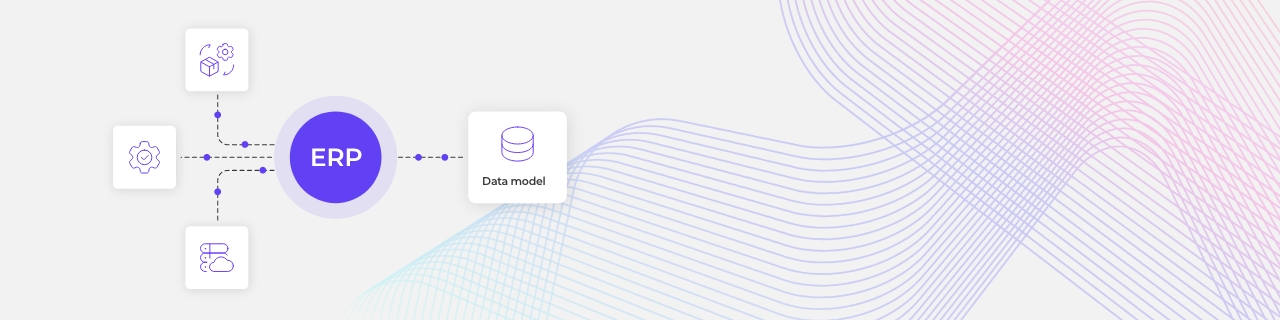
ERP data integration is the practice of connecting the ERP systems a business runs so their data lines up in one consistent structure. In a multi-plant manufacturer, that usually means several ERP instances, sometimes from different vendors, each holding its own version of products, suppliers, and orders. Integration brings those versions together so the business can work from one view instead of many.
The structure they line up on is a unified data model, sometimes called a canonical model. It is a single agreed definition of each thing that matters, a product, a supplier, a work order, that every system maps to. A plant can keep recording data in its own system, but once that data is mapped to the shared model, it can be compared and combined with every other plant's.
Without that shared model, every cross-plant question becomes a manual project. With it, the answer is already there. The difference grows with every plant, product line, and acquisition the business takes on.
Why do multi-plant manufacturers end up with mismatched data?
Because the systems were never designed together. They arrived one plant at a time, often through acquisition, each with its own ERP already in place. Local rules, local habits, and local history mean each site names and codes things its own way.
The same component ends up with a different part number at every plant. A supplier appears under three slightly different names, so no one can total what the business actually spends with them. Inventory looks higher than it is, because identical parts are counted as different items.
None of this is anyone's mistake. It is what happens when systems grow independently. For the broader picture of connecting these systems, our guide to ERP integration in manufacturing covers the planning-to-shop-floor flow.
Consolidating systems versus unifying the data
The instinct is often to consolidate, to move every plant onto a single ERP instance. That can be the right long-term goal, but as a first move it is slow and risky. Replacing live plant systems is a multi-year project that stalls other priorities and disrupts production while it happens.
Unifying the data is the faster path to the same benefit. Instead of replacing the systems, a business maps each ERP's data into the shared model, so the numbers line up even while the underlying systems stay in place. That work runs through an integration platform-as-a-service (iPaaS), software a business puts in place to connect its systems and translate between them. Plants keep running on what they have, and the business still gets one consistent view, in months rather than years.






.svg)
.svg)
.svg)
.svg)
.svg)
.svg)
