





.svg)



Automate integration pauses for business continuity
Enterprise operations depend on continuous data flow between systems, but scheduled maintenance creates predictable disruption patterns that most organizations can handle reactively.
Consider a typical scenario: your ERP system requires monthly maintenance every first Sunday from 2 AM to 6 AM. During these four hours, your e-commerce platform continues attempting to sync order data, your CRM tries to update customer records, and your inventory management system pushes stock level changes—all targeting a system that's temporarily unavailable. The result is a cascade of integration failures that require manual intervention, consume IT resources, and potentially compromise data integrity once systems come back online.
Modern integrations shouldn’t break just because a connected system goes offline for upgrades. By enabling organizations to create, monitor, and manage all their data and application integrations on a central, cloud-native platform, Alumio already gives businesses better control and visibility of their connected endpoints. The maintenance window feature it provides, along with many other integration tools, helps transform how businesses can proactively plan their system downtime.
How integration maintenance windows work within Alumio
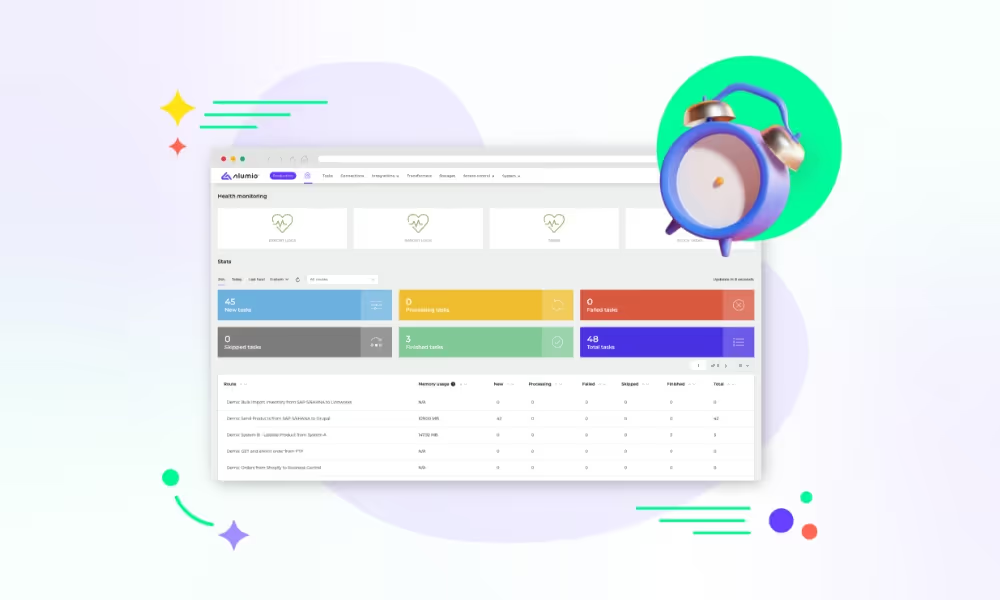
Alumio’s Maintenance Windows let you schedule safe, time-boxed pauses for all integration workflow schedulers, ensuring no jobs start while an ERP or any external system is undergoing downtime for maintenance. That means fewer failed transactions, fewer noisy retries, cleaner logs, and no late-night manual switches. Schedule the pause window for your integrations flexibly, and Alumio pauses and resumes your integrations in tandem with your system maintenance schedule.
In practice, it works like this: you choose integrations that you’d like to schedule periodic pauses for within Alumio, defining a window with start time, end time, timezone, and optional recurrence. When the window begins, Alumio pauses all schedulers, and no new scheduled runs start inside that period. When it ends, Alumio automatically restores normal scheduling. Everything is logged, so you have a clear audit trail of when and why jobs were paused.
Why pausing schedulers matters during downtime
When a downstream system is offline, scheduled jobs that try to send data will fail. Failures trigger retries, retries inflate queues, and cluttered queues hide real issues. Pausing schedulers helps:
- Avoid failed transactions and avalanche-style integration retries.
- Protect data quality, preventing partial updates or split-brain states.
- Reduce manual intervention, freeing ops from reactive cleanup.
- Preserve observability, since your Task list isn’t overpopulated by preventable errors.
When to use maintenance windows for integrations
Every organization has moments when systems need to go offline on purpose. By scheduling a pause, you keep integrations from pushing data into unavailable systems and avoid the mess of failed transactions. Some of the most common scenarios include:
- ERP maintenance
When enterprise systems like ERPs undergo patching, version upgrades, or nightly batch closures, it’s critical to pause data flows. Otherwise, processes like sales orders, invoices, or inventory updates risk failing mid-process and creating reconciliation headaches. - Financial close periods
During quarter-end or year-end closes, finance teams often freeze systems to reconcile numbers safely. A maintenance window ensures no new data slips in unexpectedly, protecting the integrity of financial reporting. - Data warehouse rebuilds
Schema changes, reindexing, or large-scale rebuilds typically require exclusive access to the data platform. Pausing integrations avoids half-processed data loads and ensures analytics teams work with clean, consistent datasets once the rebuild is complete. - Major releases
When launching new software or going live with a critical update, timing is everything. Maintenance windows let you hold integrations steady until systems are stable, then resume data flows in a controlled way to support a smooth rollout.






.svg)
.svg)
.svg)
.svg)
.svg)
.svg)
