Why order, inventory, and pricing don't automate the same way
The instinct is to buy one AI capability and point it at operations. Treating AI workflow automation as one switch hides three different jobs, each carrying a different stake. Automated pricing decides what to charge right now, given demand, competition, margin targets, and how much stock is left. Automated inventory keeps one honest count of what is actually available across every channel. Automated order handling decides what to do with an order, and whether that action can be walked back.
The cost of being wrong differs just as sharply. A mispriced product gives away some margin until someone corrects it, which takes minutes. A wrong stock count oversells across channels within the hour and turns into cancelled orders and refunds. A wrongly cancelled or refunded order is the hardest to reverse and the most visible to the customer. So the real question for each workflow is not whether to automate. It is how much to let AI decide before a person steps in.
Pricing: where AI can act with the most autonomy
Pricing is where most businesses can safely give AI the longest leash, because the decisions are bounded and easy to reverse. The business sets a margin floor and ceiling, and AI moves prices within that range as demand, competition, and stock shift. If a price comes out wrong, someone resets it in minutes. The data it works from is demand signals, competitor positioning, current margin, and live stock levels.
That last input matters most, and it is the one most often wrong. Discounting a near-empty shelf, or holding a high price on overstock, is not a pricing mistake. It is the result of acting on inventory data that arrived late. This is why even the most autonomous workflow still hangs on the accuracy of another system's data. Guardrails make the autonomy safe. Fresh data makes it correct.
How much control should AI have over inventory and order workflows?
Less than it can have over pricing, and the gap widens as actions get harder to reverse. Inventory sits in the middle. Automating it well means holding one accurate, real-time count of stock across every sales channel, warehouse, and marketplace. When those counts lag behind actual sales, automated reordering and availability decisions scale the error instead of catching it, and a single delayed sync oversells across several channels at once.
Order handling sits at the cautious end. Cancellations, refunds, address changes, and reroutes carry real cost when they are wrong, and they are difficult to undo. AI can prepare and recommend these actions well. Letting it execute them without a human check is where the risk outweighs the speed for most businesses. The pattern across both workflows is the same. The safe level of autonomy is set less by how capable the AI is and more by how current and trustworthy the data beneath it is.
How an integration layer keeps AI working from live data
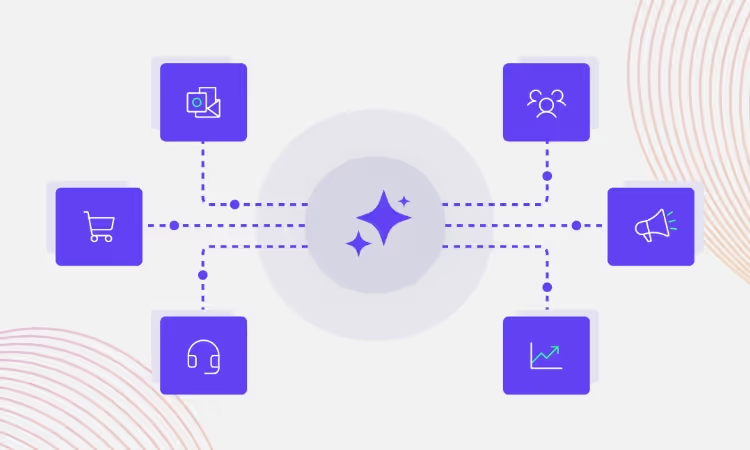
The common requirement across all three workflows is current, validated data delivered to the AI the moment something changes. That is the job of an integration platform, or iPaaS, which is a cloud-based layer that sits between business systems and manages how data moves between them. Instead of each AI tool connecting directly to the ERP, the commerce platform, the warehouse system, and the order system, every system connects through one layer.
The Alumio iPaaS routes data across these systems as events occur, so pricing, a stock check, and an order process all read from the same current state rather than separate, drifting copies. It translates formats between systems, validates records in transit, and quarantines bad data before it reaches the AI. For autonomous actions, it records what changed and when, so an automated decision can be traced or reversed later.
Selfmade, a Dutch multi-brand retailer running SAP, inRiver, and Shopware across its retail and e-commerce channels, cut its data lag from roughly 24 hours to under an hour by moving its integrations onto this kind of layer. Stock synchronization that once ran overnight now runs hourly. For any AI making decisions on that stock, the difference between day-old and hour-old data is the difference between a sound call and an expensive one. Most of these deployments run through certified Alumio partners, who carry the workflow patterns from earlier implementations into each new build.
What should businesses get right before handing these workflows to AI?
Start with the data layer, not the AI model. Before automating any of the three workflows, the systems of record have to agree on what is true in near real time. That means a single, current source for stock, orders, and pricing inputs that every tool reads from.
Next come the guardrails: margin floors for pricing, confirmation steps for irreversible order actions, and thresholds that route edge cases to a person. The autonomy each workflow gets should match the cost of being wrong, not the ambition of the project. Monitoring matters as much as the rules, because teams need to see what the AI changed, catch anomalies early, and step in before a small error compounds across channels. Get the data foundation and the guardrails right, and AI workflow automation becomes a controlled capability rather than a source of new operational risk.
Where AI workflow automation goes from here
AI will keep taking on more of these decisions. The workflows that run with the least human involvement will be the ones where the data is most trustworthy and the actions most reversible. Pricing will lead. Inventory will follow as real-time synchronization becomes standard. Order handling will stay human-supervised the longest, and that is the right call rather than a limitation.
The businesses that get value from this will treat it as a data and governance question first. The model matters less than the quality of what feeds it and the controls around what it can do. An integration layer like the Alumio iPaaS is what makes that foundation practical to build and keep stable as the number of connected systems grows.
The real shift is not handing operations to AI. It is building the connected, current, well-governed data layer that lets AI act on reality, one workflow at a time, at the level of autonomy each one can safely carry.




.svg)









.svg)
.svg)
.svg)
.svg)
.svg)
.svg)
