
Setting up your first integration


Course introduction
If you’ve already gained an understanding of how to navigate the Alumio dashboard, track and manage integrations with Tasks, and the crucial role that Routes play in connecting data across systems, you've established a strong foundation for leveraging the Alumio iPaaS. In other words, you learned why Alumio works the way it does and how it helps make integrations simple. We'll now show you how to bring these pieces together in a practical, hands-on way, so you can start applying the concepts you've learned to create real, functional integrations.
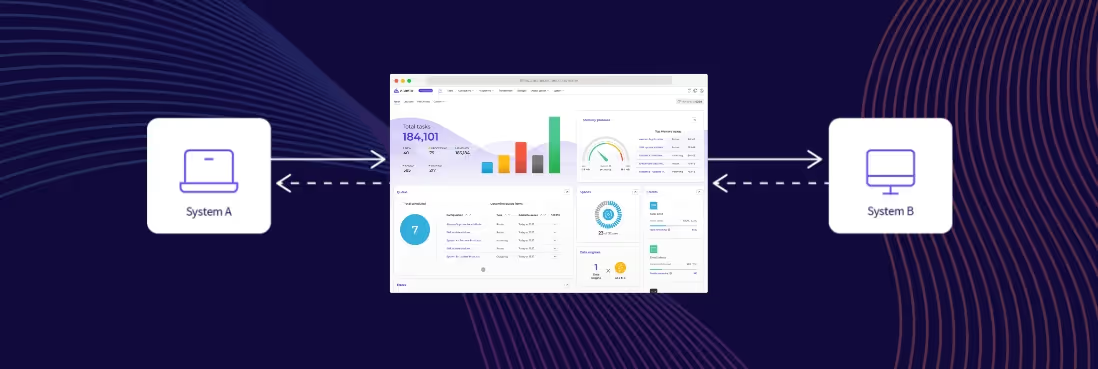
In this course, you’ll discover how to use the Alumio iPaaS to set up connections by building Routes, via Incoming and Outgoing configurations, which we will enable data to flow seamlessly between your applications. We’ll also show you how to automate your integration workflows with schedulers and briefly touch upon how you can flexibly customize data exchange with Transformers. Whether you're automating routine business processes or establishing a complex data exchange ecosystem, this course will serve as a walkthrough for how the Alumio iPaaS helps build robust integrations in a streamlined manner.
As you progress through the lessons in building your first integration, you’ll see how the insights from our previous courses on the Dashboard, Tasks, and Routes come into play. You’ll understand how to:
- Define and configure the connections that pull data into Alumio from source applications and push it out to your target applications.
- Build Routes that serve as the backbone of your integration, connecting your incoming and outgoing configurations while tracking the flow of data through each step.
- Apply Transformers to modify, filter, and enrich data, ensuring that it meets the specific requirements of each endpoint.
- Leverage Schedulers to automate the execution of your integrations through a robust queuing mechanism, ensuring accurate and timely data processing.
By the end of this course, you’ll have a basic blueprint for how to design, implement, manage, and most importantly, grow integrations using the Alumio iPaaS. Are you ready to put all the theory that you know about Alumio into practice? Let’s learn how to start making integration simple!
Lessons
- Establishing connections
a. Setting up an HTTP client for application A
b. Setting up an HTTP client for application B
c. Testing your connection method - Building the Route
a. Setting up Incoming configuration
b. Setting up Outgoing configuration - Transformers & Scheduler
a. Transforming data
b. Automating your integration - Conclusion



.svg)
.svg)
.svg)
.svg)
.svg)
.svg)
