
Understanding integration Tasks


Course introduction
When businesses connect multiple systems, say an ERP to an e-commerce platform or a CRM to a marketing tool, the success of those integrations depends on thousands of small, invisible data exchanges: every order pushed, every customer record updated, every inventory change synchronized. Without a way to track these events, integrations quickly turn into a black box. Did the order make it across? Was the product update applied? If something failed, where and why did it fail?
In other words, building the connection is only half the work. The harder part is ensuring those connections run reliably, day after day, without resorting to manual checks, endless error hunting, or duplicated data. Lacking a structured way to observe and manage data flows, integrations become unpredictable. Errors accumulate quietly until they disrupt customers and operations.
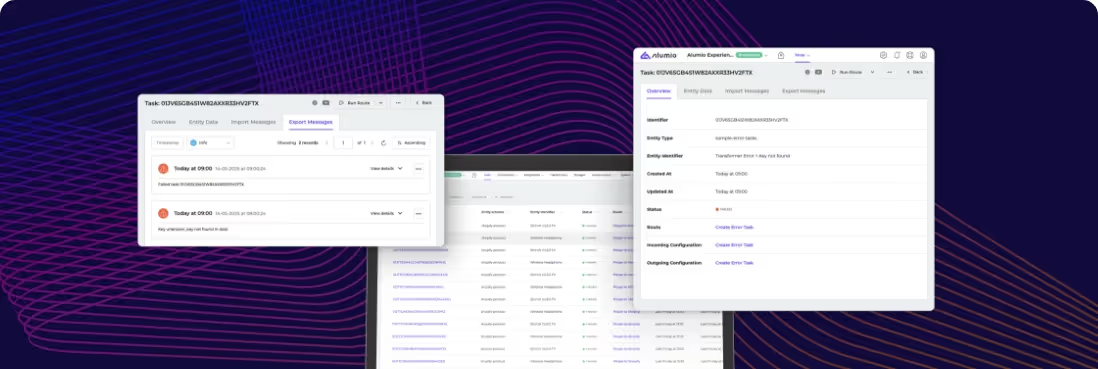
This is where Alumio introduces integration Tasks. Every time a data entity moves through the Alumio integration platform, it becomes a Task, a clear, traceable event that shows whether the integration is new, processing, finished, failed, or skipped. Instead of needing to manually search integrations, you get a living record of every transfer, supported by detailed logs and actions that make monitoring, troubleshooting, and optimization straightforward.
Alumio helps streamline the way you build and monitor integrations through two key measures: integration Tasks and integration Routes. Routes help define how data is imported, transformed, scheduled, and exported between applications via Alumio. Tasks are how you measure those integrations, tracking every entity as it moves, succeeds, or fails. By learning how to interpret Tasks first, you gain a clear view of how integrations actually behave, which gives you the context to later design integrations themselves through Routes that deliver predictable, reliable results.
Therefore, in this course, we’ll first focus on what Tasks are, how they’re generated, what their statuses mean, and why they’re essential for making integrations simple, reliable, and scalable. In the next course, we’ll move upstream to Routes, exploring how to design the workflows that bring these Tasks to life.
Lessons
- What are Alumio Tasks
- Different types of Tasks
- Navigating the Task overview



.svg)
.svg)
.svg)
.svg)
.svg)
.svg)
